

How do you turn complex PK/PD or QSP models into clear insights your team can act on?
e-Campsis bridges the gap between model output and communication.
Import models from multiple sources, explore scenarios through interactive simulations, and integrate everything into transparent, reproducible R-based workflows. Built for pharmacometricians and decision-makers alike, e-Campsis makes your modeling process more efficient, more consistent, and more impactful.
Ease of UsePowerful Post-processingReliable and TraceableReal Time SimulationsDesktop ApplicationBoost your CommunicationEase of UsePowerful Post-processingReliable and TraceableReal Time SimulationsDesktop ApplicationBoost your CommunicationEase of UsePowerful Post-processingReliable and TraceableReal Time SimulationsDesktop ApplicationBoost your CommunicationEase of UsePowerful Post-processingReliable and TraceableReal Time SimulationsDesktop ApplicationBoost your CommunicationEase of UsePowerful Post-processingReliable and TraceableReal Time SimulationsDesktop ApplicationBoost your Communication
How does it work
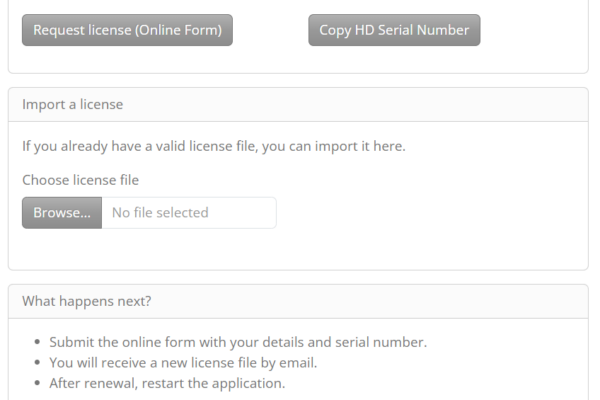
1. Download the app and request a license
Make sure you have R, R-tools and campsis properly installed on your system (click here for instructions). Download the e-Campsis installer and request a trial license valid for 30-days.
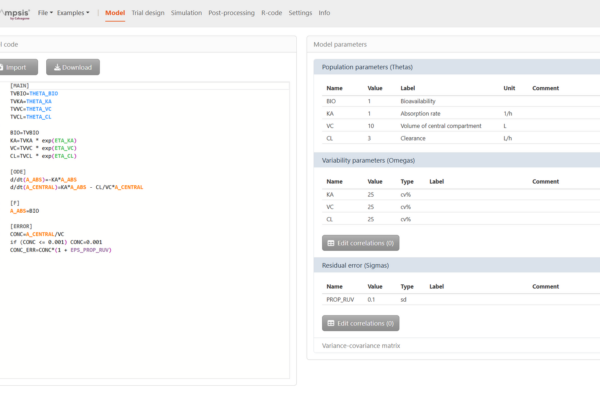
2. Import and Edit a Model
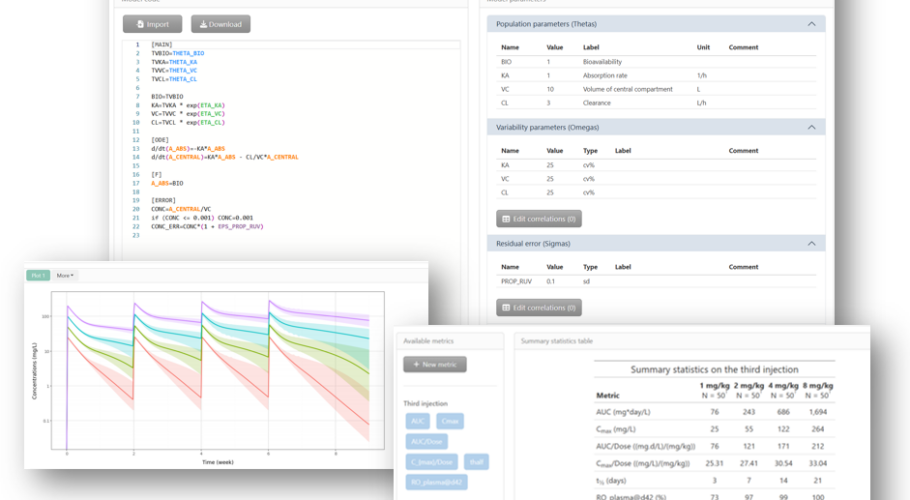
Select and customize a PK or PD model from the library, or import NONMEM®, Monolix®, or rxode2 code. Here you can define and adjust the parameters.
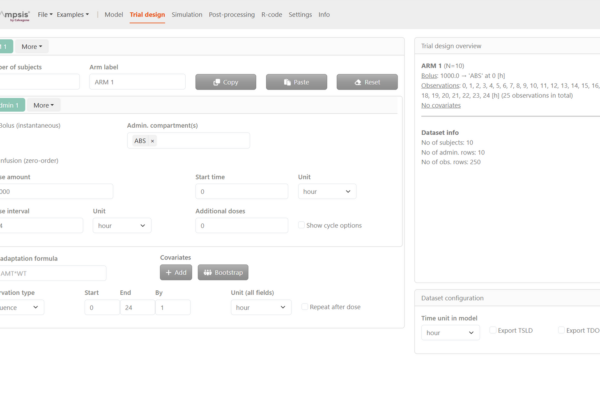
3. Set up your Trial Design
Easily define even complex dosing schedules, study arms, and covariates in just a few clicks.
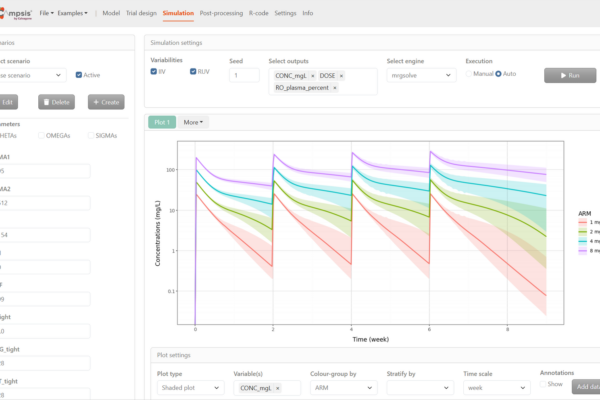
4. Run the Simulation
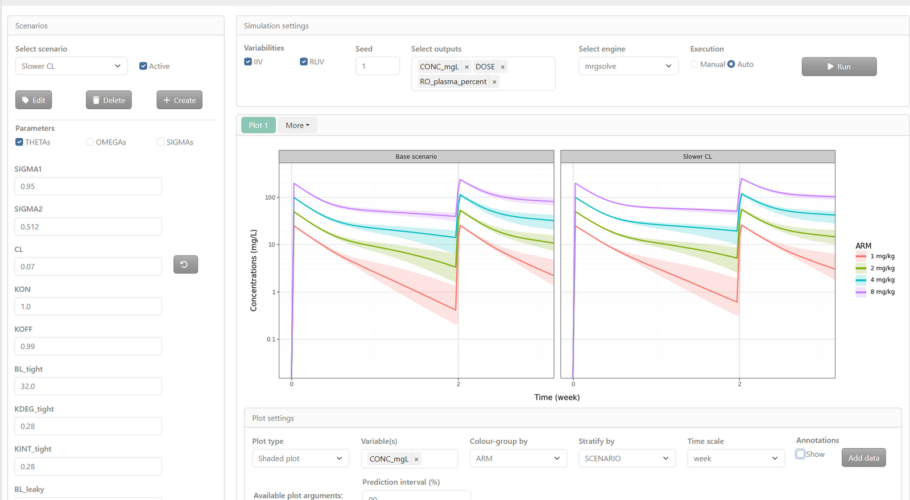
Start your simulation with one click. Explore and visualize what-if scenarios in interactive and customizable graphs.
5. Analyze the Results
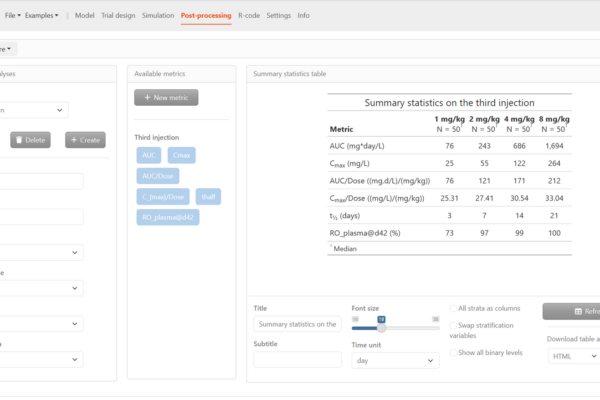
Evaluate your results using powerful post-porcessing. Derive secondary parameters, NCA parameters and summary statistics with ease… and get a report-ready table.
6. Export the Simulation R-script
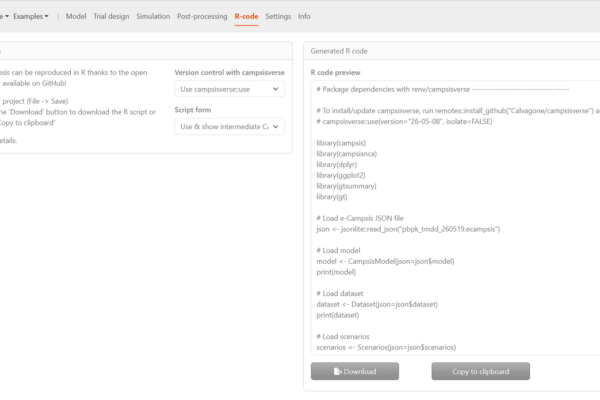
Export the full simulation script for execution in R using our open-source packages, and ensure 100% traceability and reproducibility of your simulations.
7. Communicate with your Team
Use the interactive simulations to effectively communicate model simulation and scenario’s with your team.
What is e-Campsis?
e-Campsis is the user-friendly desktop application that puts efficiency, quality, and reproducibility at the heart of your PK/PD and QSP simulations.
Whether you’re exploring complex drug responses or optimizing trial designs, e-Campsis empowers you to simulate, visualize, and analyze with confidence.
The interactive user interface supports collaborative simulations, helping teams shorten turnaround times and accelerate decisions.
e-Campsis runs on your local environment making use of your own qualified R installation and no need to upload data to a web application.
Built on the open-source R package campsisand leveraging mrgsolve and rxode2, e-Campsis lets you export simulations as R code for full transparency and reproducibility.
Who Can Benefit from e-Campsis?
e-Campsis is built for everyone involved in model-informed drug development.
From clinical pharmacologists and pharmacometricians to academic researchers, educators, and biostatisticians — whether you’re working in preclinical or clinical development, at a biotech startup or a global pharma company — e-Campsis helps you run population PK/PD and QSP simulations quickly, reproducibly, and with ease. It’s an ideal tool for research, decision-making, and teaching.
Plans
Contact us for a quote.
e-Campsis Standard
Best for small teams and individuals.
100% offline simulations running on your own R-installation
Extensive library of PK and PD models
Easy setup of scenarios
Customizable trial designs
NONMEM®, Monolix® and rxode2 code import
Advanced post-processing including NCA & Summary statistics
Overlay external data in plots
Bootstrap covariates from NHANES
Export fully-reproducible R-code
e-Campsis AI
Coming soon!
Same features as in standard, plus:
AI integration to facilitate design and scenario setup
Replicate simulation with parameter uncertainty
Forest plots to visualize covariate effects
Sensitivity analysis
Advanced reporting functionality
Qualification suite for the campsis open-source packages, with certified IQ/OQ report
Personalized support via email or phone
e-Campsis Enterprise
Contact us for more information.
Same functionality as e-Campsis AI, plus:
Unlimited number of users within your company’s domain
Supports deployment on internal hosting environments (e.g. Posit Connect®)
Personalized online training
Forest plots
Forest plots are powerful plots for showing simulation of multiple variables or subpopulations in a single plot. These plots are common in meta-analyses for presenting results of the individual studies or to illustrate the effect of covariates and the overall estimate. e-Campsis allows you to generate forest plots in an easy and user friendly way, maximizing the power of your simulations.
Handling of time-units
e-Campsis will use the time units as defined in your model. However, in settings you can easily define the time units that suits you simulations most. Easily specify the dosing intervals in weeks, the infusion duration in hours, the dosing time in days and the observation time in days. The appropriate units will be shown in trial design and carried forward in the simulations.
Post-processing and summary statistics
e-Campsis allows you to easily derive key metrics of your simulation through non-compartmental analysis, summary statistics or user-defined metrices. All R-code to derive the metrices will be available in a downloadable script of your simulation.
FAQs
Find answers to common question about e-
Campsis and how it can benefit your research
Is there a discount for academia ?
We support research at universities and other non-profit institutions by offering free licenses. Request your academic license here.
Is e-Campsis validated ?
e-Campsis is being developed with quality in mind through object-oriented programming and automatic unit tests of key functions. This drastically reduces the occurrence of bugs and regressions when the software is updated.
However, e-Campsis is a graphical user interface that facilitates the set-up of simulations and does not do any calculation itself. The actual “work” is done by the open-source packages campsis, campsismod and others in the background. Simulations of almost all library models with campsis – which uses mrgsolve or rxode2 as the back-end simulation engine – have been successfully verified against simulations with NONMEM. In addition, enterprise users of e-Campsis will have the option to obtain an qualification suite to ensure accurate functioning of campsis packages in their local environment. Read more about our extensive qualification efforts here
Can I simulate categorical data, like time-to-event models?
I’m used to code my simulations in mrgsolve (rxode2) why should I switch ?
With Campsis you can do the same things as with these other packages AND MORE:
Convenient setup of simulation designs in e-Campsis
Live and interactive simulations in team meetings (or do you enjoy coding in front of the clinical lead?)
Consistent, human readable and well-structured R-code, facilitating project handover.
By the way, Calvagone offers a model translation and implementation service. Just get in touch and we will help you in translating your important models and simulation scripts to the campsis environment.
Can we install it on our server?
e-Campsis can be deployed on a hosting platform. We have tested it with Posit Cloud for example. Please contact us to discuss your specific situation.
How much does it cost?
Please contact us to discuss your case. We’ll find a tailored solution.
Interested in using e-Campsis in your organization?
Download the free trial version today – and contact us for a demo session.